
Applications rarely fail on ability. They fail on a missed document, or a deadline that turned out to be the priority one and not the final one. DocCheck is the checklist generator we built to close that gap.
Pick one of the 127 programs in the ApplicationReview database and DocCheck builds one printable tracker: every deadline the program publishes, labelled by type and counting down live, followed by the exact documents that program requires, including how many recommendation letters. Your checkmarks save in your browser, so the tracker is still accurate when you come back to it next week.
How to use it
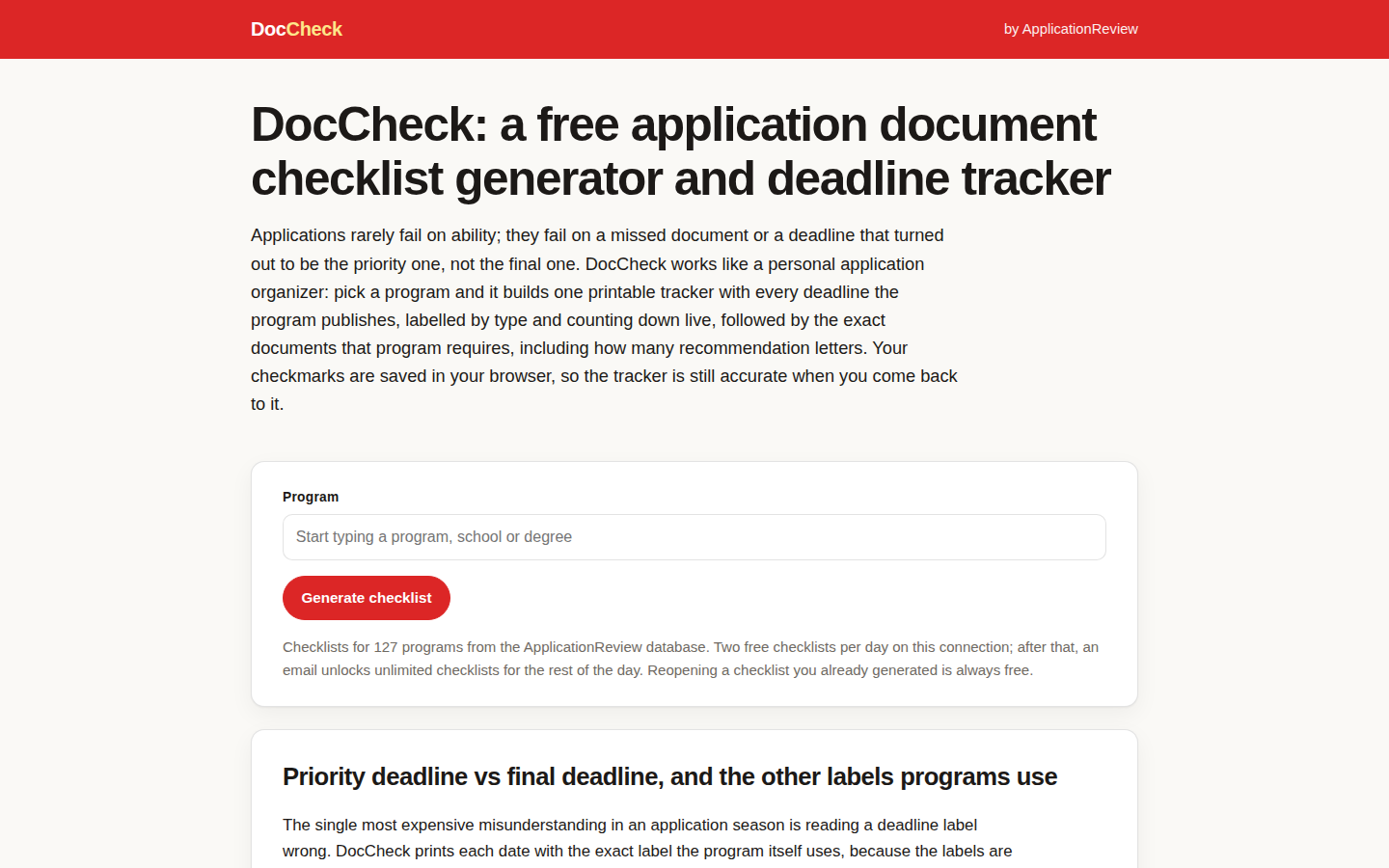
- Search for your program by school, degree, or field.
- Press Generate checklist and read the deadline block first. That order is deliberate.
- Work the document list top to bottom and tick items off as you finish them.
- Print it if you think better on paper. The print view is a clean paper checklist.
It takes about a minute, and it is available: two checklists a day on your connection, then an email unlocks unlimited checklists for the rest of the day. Start with the program whose dates worry you most, or read our guide to priority deadline vs final deadline first if the labels themselves are the confusing part.
Applying to several schools at once? The companion piece on using DocCheck across a whole application season shows how to run one tracker per program without losing the thread. And if you are still deciding where to apply, the SOP Expert guides will help you plan the essays those checklists keep asking for. New to the tool? Open DocCheck and generate your first checklist now.